I find the app-based window navigation in vanilla GNOME 3 rather frustrating, and try as I might, I just can't get comfortable navigating between what I think of as applications.
This is because I have a few applications (Firefox, Terminal) that are really not applications in and of themselves; the applications are really Outlook, JIRA, Confluence, Slack, OpenShift (logged in as cluster admin), OpenShift (logged in as my regular user), that quick terminal session I opened to work on a script, the SSH connection to an OpenStack director, the 'oc rsh' command that I'm using to administrate a PostgreSQL database running in OpenShift, and so on.
This becomes far worse when using multiple monitors. Say I have teams hanging around on my secondary monitor to keep an eye on stuff. I literally just now alt-tabbed into a terminal and then alt-tabbed back to continue writing this comment. As a result, I'm back in Firefox on my primary monitor (as expected) but now I have an unwanted random Firefox window that I forgot was even open on top of Teams on my secondary monitor!
The only window manager I've ever been at home with while using multiple applications, workspaces and monitors has been i3. Specifically I love how it manages multiple monitors in that each has a current workspace, but workspaces are not bound to a particular monitor. So I was able to have my secondary monitor always showing my 'Slack and email' workspace, and switch between my multiple task-based workspaces on my primary monitor and never get confused like I with GNOME where I want to switch to my email tab but to get there I have to remember ahead of time that I have to switch to my first workspace, then switch applications to Firefox, then switch windows to the one with Outlook in it, and finally switch to the Outlook tab...
Anyway. This project looks awesome and I will try it out!
My mind is not app-centric. I want the shell where I'm looking at logs, the editor where I'm taking notes, the browser where I'm checking some doc. I don't care to think about which terminal application the shell is inside, select that, then find I've opened a different terminal window and have to search through the windows separately. I don't care whether the doc is loaded in Firefox or Chromium so don't ask me to choose based on that.
IMO app-centric task switching works much, much less effectively than window-centric task switching; I hate that all the major DEs have copied the same basic app-based dock design that has been failing in obvious ways since day one.
(Although Windows can at least configure grouping away, and there's the dash-to-panel extension to make GNOME tolerable again.)
I get that an app-centric view is attractive to app developers, who would love me to be engaging with their brand. And that mobile has its own reasons for putting apps in silos. Does nothing for me as a desktop user though.
It's interesting. Microsoft agreed with this philosophy and fought tooth and nail against tabbing in browsers, opting instead that each browser tab be it's own window and accessible from the task bar. After all other browsers had switched, they were forced to introduce that in IE as well.
The worst offender here is OSX. I still haven't figured out a good way to switch between multiple open windows of the same application, not even the file explorer (Finder). It's a huge pain.
They were wrong. Emphatically. Ridiculously wrong. Remember for context that virtually nobody was using virtual desktops for windows as it not part of the UI unless you installed it and it sucked besides. Also remember most people's internet was very very slow. Screens were also not that big. Not that they are much bigger now with everyone using laptops.
Grouping related windows in the task bar makes it frustrating to use it because everything involves multiple clicks. Once you got beyond a certain number of apps the task bar sucked without grouping because there wasn't enough text to display a long enough label to distinguish between windows.
When something takes a long time to load you are incentivized to create a new tab if you might want to come back to that resource rather than waiting for it to load again. This absolutely incentivizes using multiple tabs. If you have 8-12 browser windows + 2 or 3 other windows you are already past the threshold where you have to group windows in the task bar to use it and are now changing tabs by moving your mouse at the way to the bottom of the screen clicking on the browser icon and then hunting for the desired text then clicking again. This is in a word annoying.
if your browser supports tabs you can have 2-3 other windows and 2 browser windows and use an ungrouped taskbar. You can also hit one hotkey to open a new tab or use in browser tab switching in place of all desktop window switching to switch between several. This is much much much better.
Even if all other sins were removed the browser tabs represent a logical grouping and additional context that would be lost with just windows.
I can close them as a group I can book mark them as a group I can save them for later perusal as a group. I can use a side tab extension to more easily switch between a large number of tabs. I can right click on a link and open several links in the background without changing my current context.
They designed a user interface that was only useful for grandma opening 1 browser window at a time and maybe 2 apps at a time.
They weren't wrong, they just did an awful job of making it so individual apps wouldn't have to reinvent the wheel to get tabs. There's no reason browsers should have to implement it themselves or that other apps shouldn't be able to have the same semantics.
Ironically the pieces were there with MDI but that was also a bad implementation of the same semantic concept.
For whatever reason, only tiling wms like i3 have ever really delivered at all on the concept of making tabbing a universal thing.
I still use tabs in apps despite using i3 for years. This firefox window has 13 tabs and would be much much crappier if I used 13 i3 tabs.
I couldn't open new firefox windows in the background and opening others in the foreground within firefox.
I would have to use i3's horizontal tabs instead of tree style tabs making it harder to read the titles.
I couldn't switch tabs separately from switching windows. This would make having firefox alongside another window suck because it would trivially become hard to navigate. I would have to manually put only the firefox windows in a tabbed layout with the other window outside of it. I would have to focus parent and then focus direction to switch to the other. This would be so for any window I want to use alongside it even briefly.
I couldn't close entire trees of tabs at once. I couldn't close everything except the current tree.
I couldn't save a particular set of tabs as a session to be restored later.
In theory could these features be implemented in an i3 specific nature? Perhaps so long as you are willing to do so for every specific environment and for every individual app.
If we pick 100 apps and the most popular 10 environments and the most desired 10 features we will find we only have 10,000 tasks ahead of us!
Tabbed environments within i3 ARE useful but not as a replacement for tabbed interfaces within applications.
I didn't say they delivered perfectly either; i3's minimalistic nature isn't really well suited to a holistic approach to tabbing, either. I just said that it delivers on the concept at all.
My frustration, fundamentally, is that I don't want every app that wants to use some kind of tabbing interface to be different. Use different shortcuts, different models. I would rather the WM/DE provide a holistic approach that can be inclusive of all or at least most of the basic needs you keep listing, and that could be applied to other programs in a uniform way.
That's beyond the imagination of Microsoft apparently (I agree that just making taskbar items clump isn't the same), and beyond the scope of an x11 WM (which doesn't have any meaningful say over the client area of any program on its own). But it's not impossible, and it's not "the wrong way" just because no one's tried or managed to do it yet.
Note that on a US keyboard the ` (backtick) key is the one right below ESC.
If you have the keyboard in another locale (I use ES-intl) that hotkey doesn't make any sense at all: ` is next to "p" in my keyboard, and works only as a dead key. Cmd-` is literally impossible to use on it.
If you are in this situation, do yourself a favor and remap the "move focus to next window" hotkey [1]. It is very useful and I couldn't live without it now.
` (backtick) is also right above tab. On a US keyboard, this makes Cmd+Tab switch apps and Cmd+` switch windows of an app.
It's probably worth noting that the defaults remain on common Linux (at least KDE, GNOME, and Cinnamon) and Windows desktop shells with Alt instead of Cmd.
On Linux, Windows, and OSX, adding Shift cycles in reverse order.
> The worst offender here is OSX. I still haven't figured out a good way to switch between multiple open windows of the same application, not even the file explorer (Finder).
I use HyperSwitch[0] on macOS to solve this issue. I use it to override the default Cmd+Tab behavior to cycle through windows on the current desktop. It's become one of the first things I install on a new machine.
I've found https://contexts.co/ to be the best solution for OSX. It wont let you ⌘+tab through the browser tabs but if you have multiple windows of the browser open you can see them individually.
I miss an older KDE feature, which was custom tabbed windows. You could easily Alt+Tab between windows, and then use another shortcut to move between tabs.
So how do you solve this on other Desktops?
Do you use the window previews or is there any other way? Because Windows and Mac both only show icons as well and Youd have to look at the names or previews of the Windows to know exactly which one you'd want. The grouping of applications can be disabled in gnome tweak
Contexts gives additional 'switching' options on different hotkeys, fuzzy window searching+selection, history-based selection, and no mouse interaction required (but it is supported)
I dedicate spaces to tasks, eg communications, monitoring, and 3-4 development task spaces with tools/docs/terminals
I have Contexts setup as follows:
    cmd-tab: cycle thru all visible windows of all apps on current space
    opt-tab: cycle thru all windows of all apps on all spaces (include hidden/minimized)


    cmd-~: cycle thru all windows of focused app on current space (include hidden/minimized)
    opt-~: cycle all windows of focused app on all spaces (include hidden/minimized)


    cmd-space: activate Alfred
    opt-space: search/activate of all running apps on all spaces
Alfred then allows you to add effectively anything you can script/applescript for additional workflows and a complete, keyboard-driven navigation/switching experience, and total deprecation of the slow 10.7+ mission control gui
Each logical application (eg HN or ssh-to-example.com, not firefox or terminal) is in a separate window. The window list at the bottom of the screen shows a list of which windows (not physical applications) exist, and then I click on the window(-list-entry) button thingy for the (logical, not physical) application I want.
> Because Windows and Mac both only show icons as well
Windows (version Vista or worse, because this definitely wasn't a problem in XP) and Mac are defective by design then.
I recently switched to Sway because gnomes workspaces annoyed me too much. Let me choose a workspace independently on each monitor please! On i3 I was getting really bad screen tearing, even with conpton/picom otherwise I’d have just used that, but Sway/Wayland has no such problems.
Sadly a few things don’t work so well in Wayland. For example, Windows games under Proton work fine on X but not on Wayland/Xwayland (I guess since they’re not Wayland aware they can’t bypass the compositor?)
So, I too will try this project out as it looks like it may be a nice middleground where I can be productive in gnome on X.
Thanks! I'll give it a try. It looks like it might help.
In general, I'm happy with Sway, but it would be nice to have an X option that works for my workflow too (gnome doesn't seem to have the screen tearing issues i3 did).
The only thing I find annoying is the lack of screen sharing on zoom. Zoom claims they support wayland on arch, but unless I made a mistake or something, that's just not true.
Some wine things don't work properly too, which is somewhat annoying, but I only have one wine application I run very rarely, so it's not too onerous to boot back into i3 for that.
You can kind of implement this in Gnome 3 by putting windows that go together on a workspace, the same way you do in i3. Hoewever, using workspaces in Gnome never felt as fluid as it does in i3.
It rarely affects me. I'd say 99% of my time in Gnome is spent in either Firefox or terminal.
Suddenly I'll need a program so I hit windows key, type in the start of the program name, and smash the Enter key. It's super simple. What's the problem?
Did you read the comment? What do you do when you have multiple windows of the same app? Do you write the name of said program and then Alt-backtick until you get to the correct window? Wouldn't it be better to have your windows grouped in a way more related to their purpose than to the app?
For example, say you're doing something (eg programming) that requires both the browser and the terminal. While you're at that, you want to do something that also requires both the browser and terminal (eg checking something in a terminal-based todo app to reply something to your coworkers in a web based chat app). Assuming you leave these things open, you now have to do 2 switches (app switch+tab/window switch) to get to whatever you're looking for in the worst case, 1.5 switches on average.
Talking about switching between programs, yes I thought that was a bit weird in the beginning but it came up so rarely that I eventually learned the habit of using alt+§ (on swedish layout). It's not so bad since the key is right above Tab.
Maybe if your screen real estate is limited (e.g. laptop) that is true.
I work on 3 monitors; two of them are 1920x1200, the third is a 40" 4K "TV". Nothing about the Gnome model is useful to me. I appreciate that my setup is unusual, and that I do sometimes find myself on a laptop. But I prefer to keep the paradigms consistent, and so 5 named workspaces at all times, thank you very much. I never move windows between workspaces. All of the windows in a given workspace are visible at all times.
>I find the app-based window navigation in vanilla GNOME 3 rather frustrating, and try as I might, I just can't get comfortable navigating between what I think of as applications.
It does, but the fact that the default is so braindead and annoying, and that I have to configure it to make it usable, is well.. very annoying. Like, why would they think that it is a good idea? No other desktop does this.
Just checked, and the equivalent of Cmd+~ on GNOME is Cmd+`.
That said, I rarely use Cmd+Tab anymore, I just move the mouse to the top left corner and pick, now that screen could use some UX improvements (i.e. hotkeys for the apps, and maybe grouping, since when you have a lot of open apps, it is hard to find what you are looking for).
This is incorrect; you can rebind the shell's keyboard shortcuts in Settings -> Keyboard Shortcuts. There are entries for "Switch applications", "Switch windows of an application", and "Switch windows of an app directly"; you want to switch the two that are bound to "Alt+Tab" and "Alt+`".
Without tweak tool and several plugins Gnome shell is unusable for me. Unfortunately Gnome shell plugins tend to see zero maintenance so they regularly break with new versions of Gnome shell. I fucking hate that DE.
Perhaps as a slight work around for gnome-3 users. I use workspaces across two monitors with the `window list` extension. To address your 'X window is not in Y workspace issue' you can assign a hotkey in gnome to move the currently active window up or down a workspace.
So I have ctrl-alt-shift-up and ctrl-alt-shift-down bound to move windows up and down.
"Use this gnome 3 extension" is never the answer to work around gnome 3 problems: in my experience extensions either don't work or stop working at the first 'apt-get update' you do, or just consume like 40 gigs of memory if left running for a week. Extensions are the devs way of saying "we don't care about you, but we're going to pretend to care by allowing you to write software that we're going to break".
Yes it actually is the answer because that's the design paradigm of gnome. You get a basic shell that implements Red Hats vision and everything that you find missing/don't like is what extensions are for.
  gsettings set org.gnome.desktop.wm.keybindings switch-applications '[]'
  gsettings set org.gnome.desktop.wm.keybindings switch-windows '["<Alt>Tab"]'
There are more settings like that which you can find in the manual, or from other frustrated users.
These settings seem to be stored in a binary format so the resulting rc-files can not easily be commited to git. I keep a dozen lines like the above in a script I run on any new gnome-like desktop to make it somewhat sane.
There's a config for that in the tweak tool. It makes secondary monitor workspaces static. It's not exactly what you want but it gets kinda close for me. Wayland does away with the shitty X conventions so maybe there is hope once X finally dies.
> As a result, I'm back in Firefox on my primary monitor (as expected) but now I have an unwanted random Firefox window that I forgot was even open on top of Teams on my secondary monitor!
The idea here is to also use the tilde while alt-tabbing. Also shift comes in handy to wheel back through the applications.
Please note that I never selected this random Firefox window. I wasn't even aware that it was open.
The problem is that when I tabbed back to Firefox, all Firefox windows on all monitors were raised.
And if you expect me to Alt-Tab to terminal, and then remember to use a _different_ keyboard shortcut, that is now no longer so short because I need to holt alt, press tab, release tab and keep holding alt while then pressing ` until the window with Hacker News is selected then... no way pal I'm not even going to go there, this is madness!


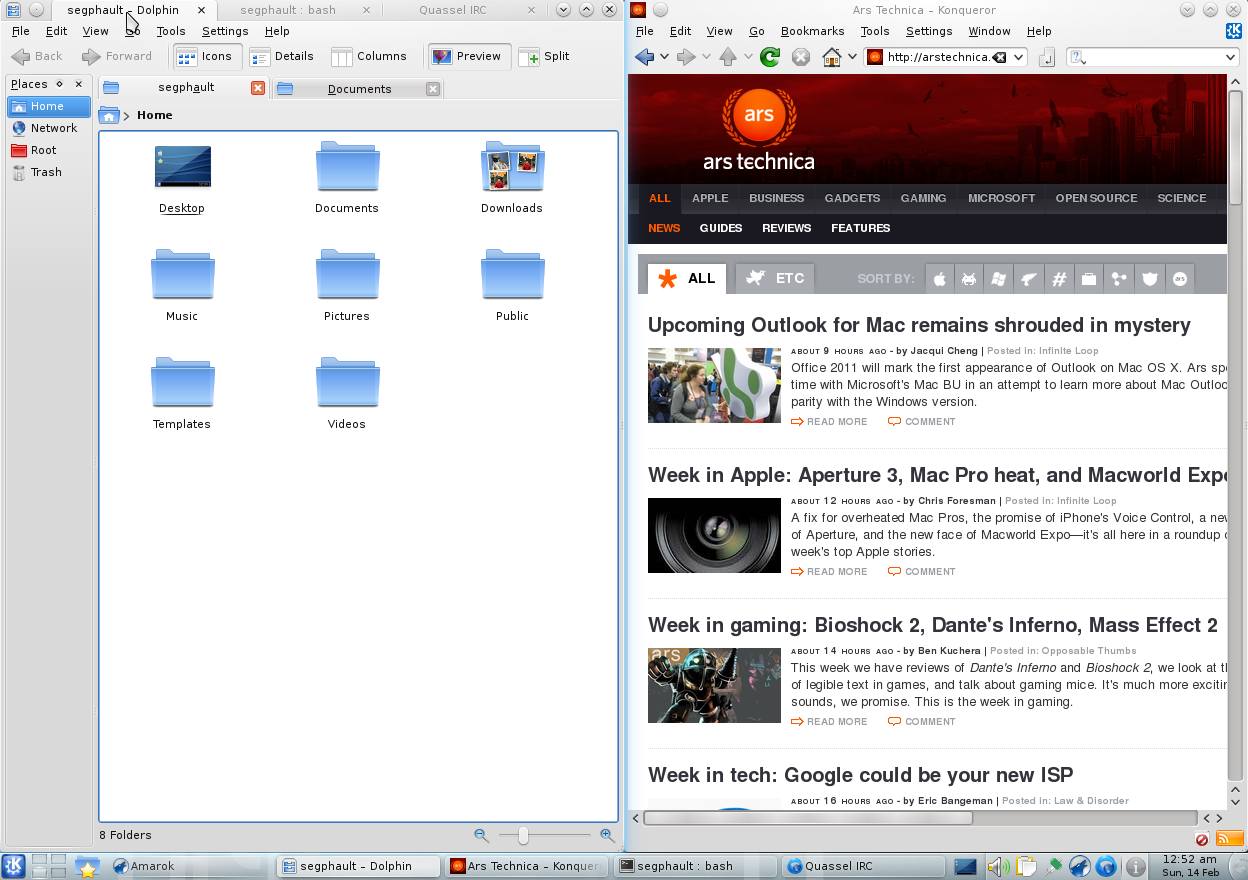

This is because I have a few applications (Firefox, Terminal) that are really not applications in and of themselves; the applications are really Outlook, JIRA, Confluence, Slack, OpenShift (logged in as cluster admin), OpenShift (logged in as my regular user), that quick terminal session I opened to work on a script, the SSH connection to an OpenStack director, the 'oc rsh' command that I'm using to administrate a PostgreSQL database running in OpenShift, and so on.
This becomes far worse when using multiple monitors. Say I have teams hanging around on my secondary monitor to keep an eye on stuff. I literally just now alt-tabbed into a terminal and then alt-tabbed back to continue writing this comment. As a result, I'm back in Firefox on my primary monitor (as expected) but now I have an unwanted random Firefox window that I forgot was even open on top of Teams on my secondary monitor!
The only window manager I've ever been at home with while using multiple applications, workspaces and monitors has been i3. Specifically I love how it manages multiple monitors in that each has a current workspace, but workspaces are not bound to a particular monitor. So I was able to have my secondary monitor always showing my 'Slack and email' workspace, and switch between my multiple task-based workspaces on my primary monitor and never get confused like I with GNOME where I want to switch to my email tab but to get there I have to remember ahead of time that I have to switch to my first workspace, then switch applications to Firefox, then switch windows to the one with Outlook in it, and finally switch to the Outlook tab...
Anyway. This project looks awesome and I will try it out!